-
 Continue reading →: A First Look at VMware Cloud Foundation 9
Myself and other vExperts were fortunate enough to receive a briefing from VMware about VMware Cloud Foundation 9 (VCF 9) and what’s new in this release. In this post, I’ll take you through some of the standout features from my perspective, along with as many screenshots as possible. Some of…
-
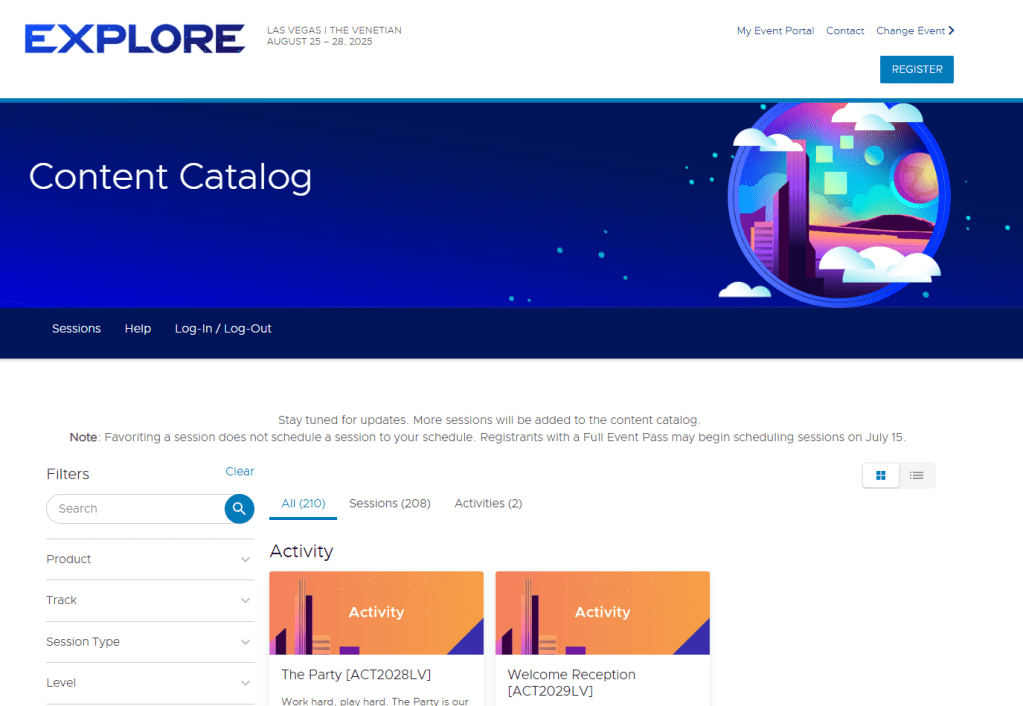 Continue reading →: Get Ready! VMware Explore Content Catalog is Now Live
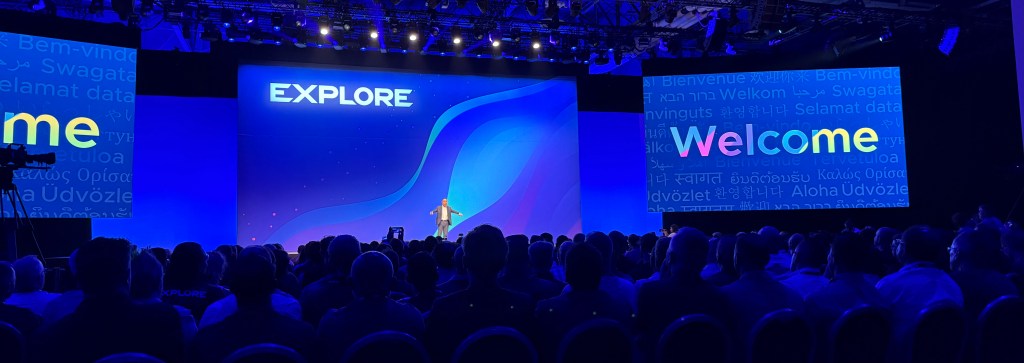
Las Vegas, Nevada | The Venetian Convention and Expo CenterAugust 25 – 28, 2025 The VMware Explore content catalogue is now available! It offers a comprehensive list of breakout sessions, hands-on labs, and other exciting activities. As you prepare for VMware Explore, it’s worth thinking about why you’re attending —…
-
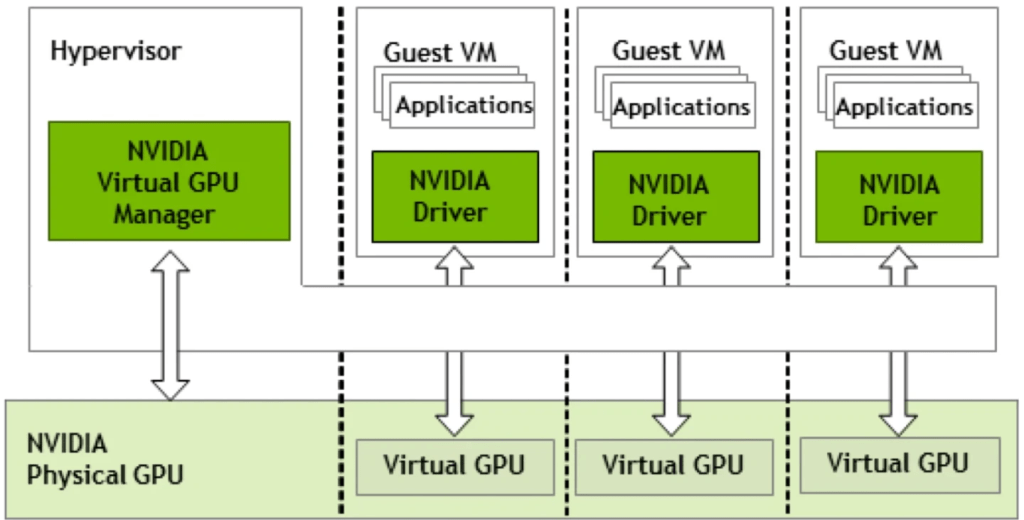 Continue reading →: VMware GPU Homelab: Part 8 – Introduction into NVIDIA vGPU
This post outlines the integration of GPU capabilities into a VMware 2-node vSAN ESA Cluster, focusing on NVIDIA’s vGPU technology. It discusses essential background, hardware choices like the Tesla P4, the trade-offs involved, and the software necessary for setup. Future posts will explore installation and configuration of NVIDIA vGPU components.
-
 Continue reading →: VMware Explore is Back – This August 25–28 in Las Vegas!
I’ve attended VMware Explore in Barcelona before, and it was an incredible experience. However, I’ve never been to the Las Vegas event – this year will be my first time, both attending VMware Explore in Las Vegas and visiting the city itself. I can’t wait! Why Do I Love Explore?…
-
 Continue reading →: 2-Node vSAN HA Testing: Failure Scenarios Explained
I was discussing different failure scenarios that could occur in a 2-node vSAN 8 cluster with a colleague, and the conversation extended to include whether a 2-node vSAN cluster supports HA — the answer is yes! Whilst I have read the theory, I hadn’t tested it myself, so this blog…
-
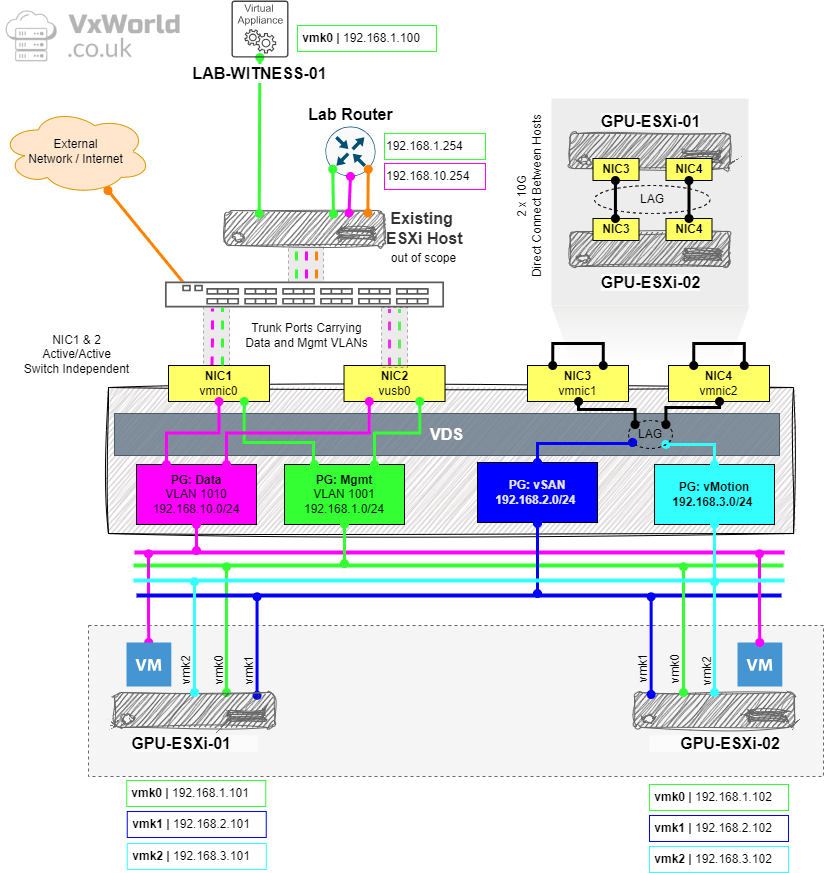 Continue reading →: VMware GPU Homelab: Part 7 – Configuring a Two-Node vSAN Cluster: Step-by-Step Guide
This is a detailed post! We’re about to dive into the core steps of configuring our two-node cluster. But first, let’s recap where we are: In this post, we’ll be covering a lot of ground. We’ll configure networking using a Virtual Distributed Switch (vDS), add the second host to the…
-
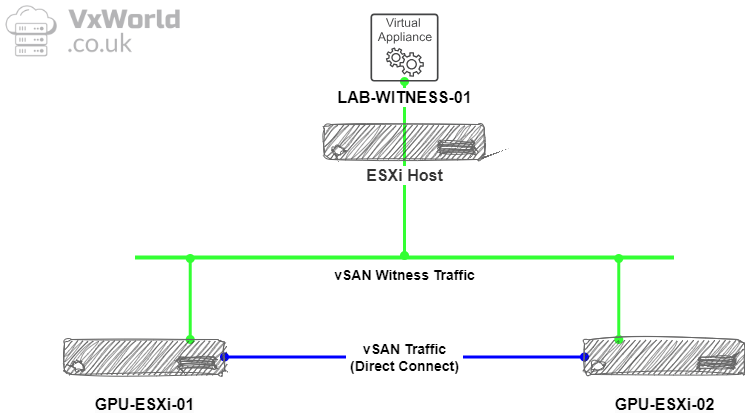 Continue reading →: VMware GPU Homelab: Part 6 – Step-by-Step Guide to vSAN Witness Deployment
In this post, we’ll walk through the step-by-step process of deploying of the vSAN Witness Appliance for my Homelab’s 2-node vSAN cluster. Before we dive into the deployment, let’s quickly recap how a 2-node vSAN cluster works. Unlike larger vSAN clusters that require a minimum of three vSAN nodes, a…
-
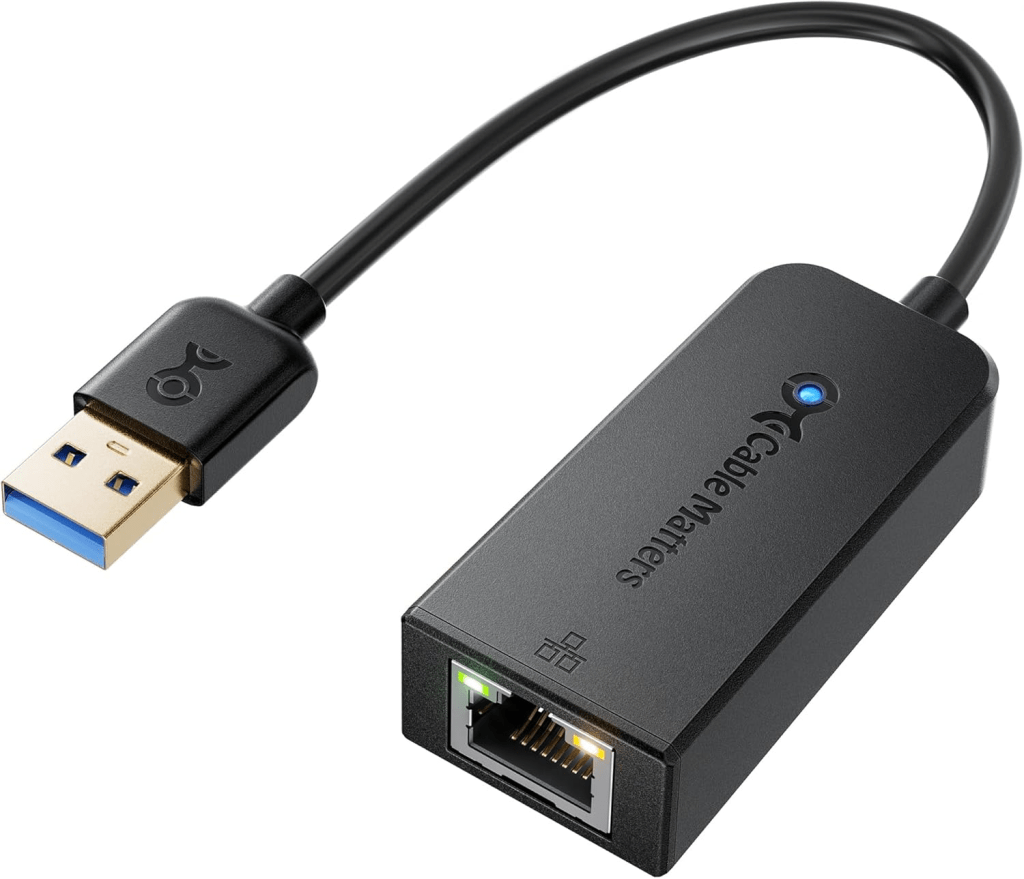 Continue reading →: How to Add USB NIC to ESXi: Step-by-Step Guide
If you have a Homelab and need additional network interfaces but don’t have any available PCIe slots, a USB NIC is a great option. In this post, I’ll guide you through the process of installing the USB Network Native Driver for ESXi—a Fling that isn’t recommended for production but is…
-
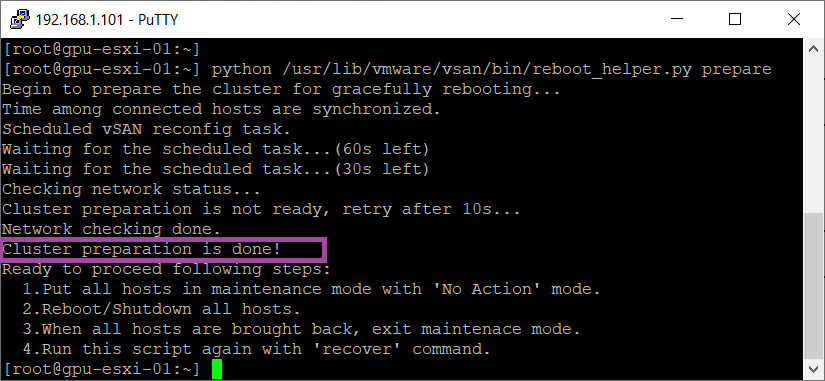 Continue reading →: VMware GPU Homelab: Tip – How to Shut Down a Single Node vSAN Cluster and Enter Maintenance Mode
When setting up a Single Node vSAN Cluster—whether for testing purposes or before adding additional nodes—putting the sole host into maintenance mode can be challenging. Typically, when entering maintenance mode, you either ensure accessibility or perform a full data migration to keep vSAN data available. However, with only one host,…
-
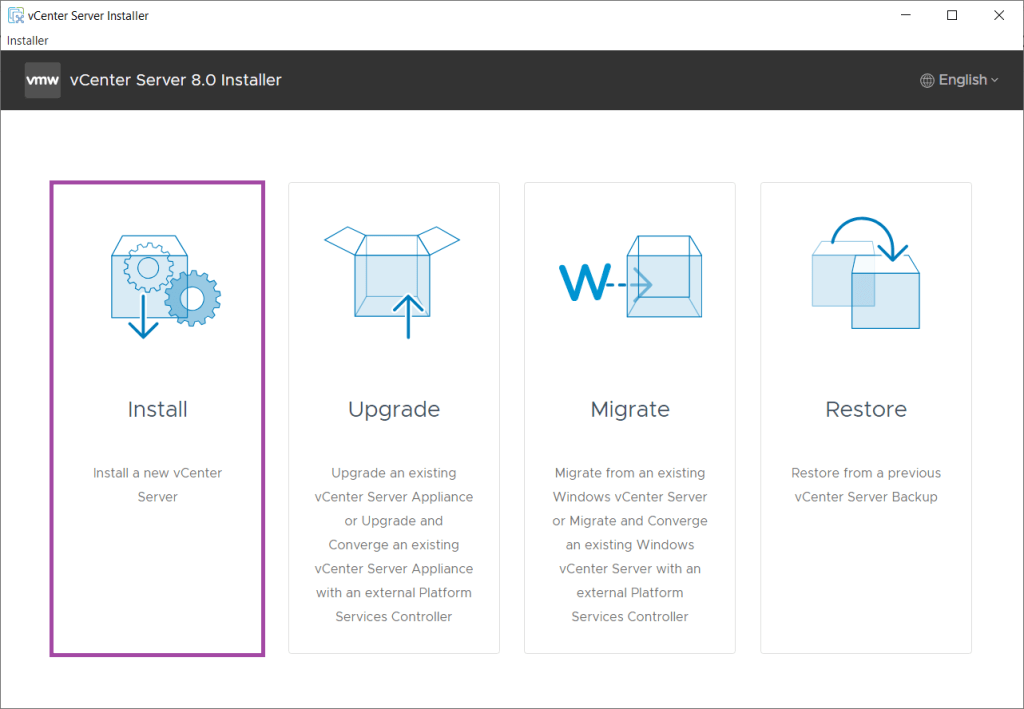 Continue reading →: VMware GPU Homelab: Part 5 – Deploying vCenter Server Appliance on a Single-Node vSAN ESA Cluster
This post details the deployment of the vCenter Server Appliance (VCSA) on an ESXi host to establish a single-node vSAN Express Storage Architecture (ESA) cluster. It outlines the installation process, including prerequisites, DNS configuration, and steps for both Stage 1 and Stage 2.

Subscribe
Stay updated with our latest posts.










 VxWorld