-
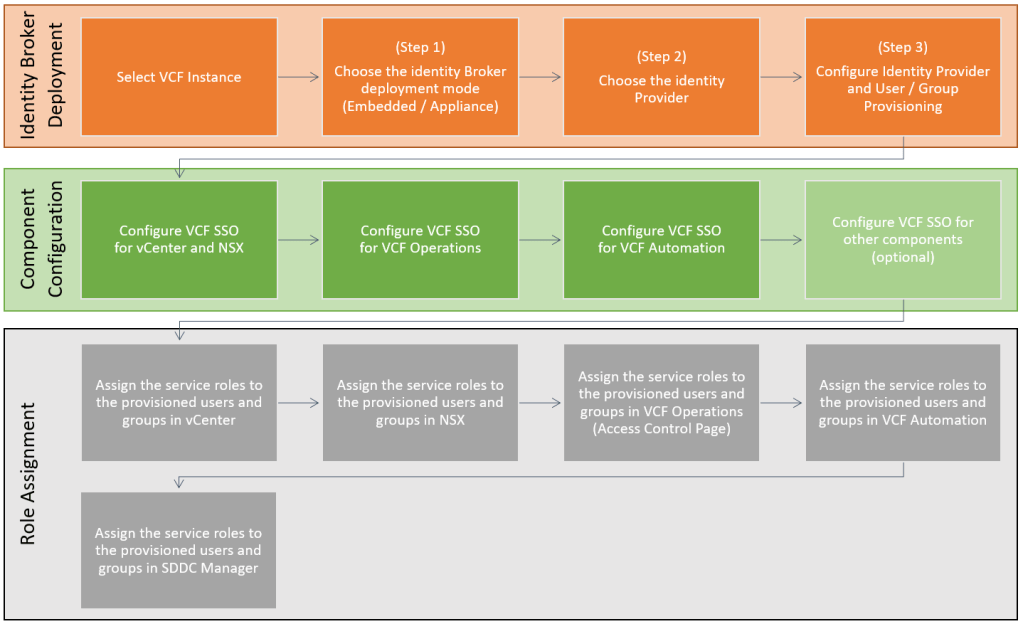 Continue reading →: VCF 9 – Deploying VCF Identity Broker. Part 2: Role Assignment and Validation
Now that we’ve covered how to deploy the Identity Broker and link the key VCF components, it’s time to focus on the operational side of the implementation. In this concluding part we’ll walk through how to assign service and admin roles, validate the SSO integration end-to-end. If you haven’t done…
-
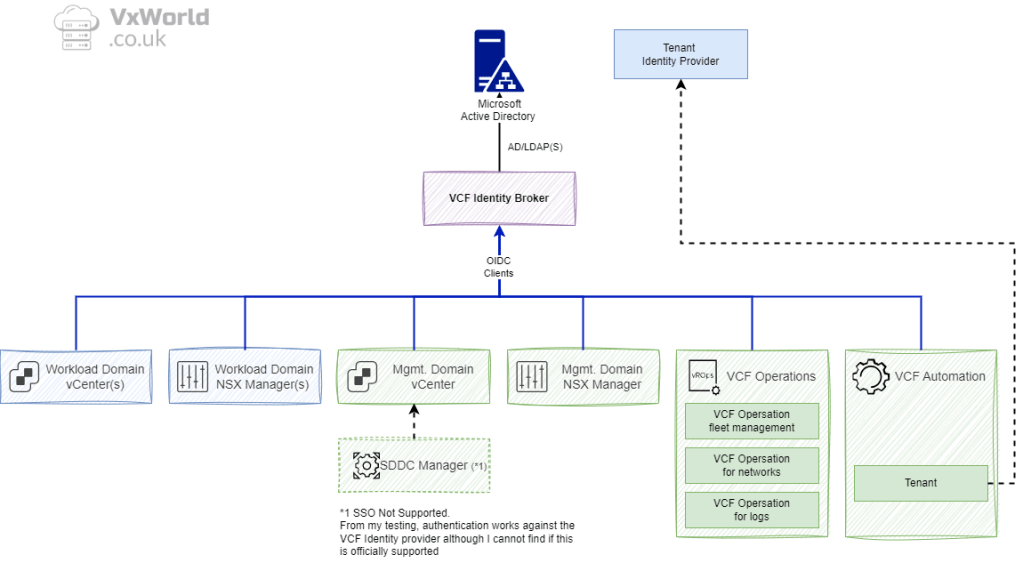 Continue reading →: VCF 9 – Deploying VCF Identity Broker. Part 1: Deployment and Component Configuration
In VCF 9, VMware introduces a major shift in Single Sign-On (SSO) architecture via the new “Identity Broker” service. This change not only consolidates identity management across the VCF stack, but also enables more flexible deployment models and tighter integration with enterprise identity providers. In this two-part blog series I’ll…
-
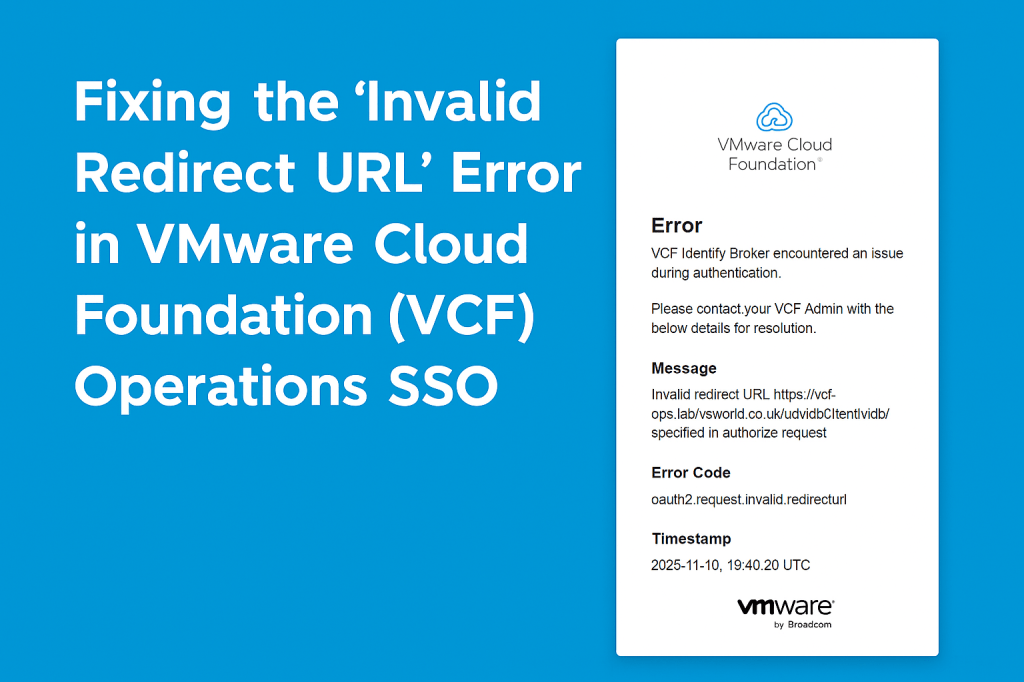 Continue reading →: Fixing the “Invalid Redirect URL” Error in VMware Cloud Foundation (VCF) Operations SSO
Resolve the “Invalid redirect URL” error when logging into VMware Cloud Foundation (VCF) Operations with VCF Identity Broker SSO. Learn the cause and how to fix it by updating the System Access URL configuration.
-
 Continue reading →: NVIDIA vGPU Time-Slicing Scheduling Policies – Best Practice
In my earlier post, Understanding NVIDIA vGPU Time-Slicing Policies: Best Effort vs Equal Share vs Fixed Share, I explained how the three available time-slicing policies work in NVIDIA vGPU and NVIDIA AI Enterprise: That post focused on how the policies work. But the natural next question is: Which policy is…
-
 Continue reading →: A Dive into NVIDIA vGPU 19.0: What’s New, and Why It Matters
Before We Dive into What’s New – What Is NVIDIA vGPU Anyway? Before we get into what’s new in vGPU 19.0, let’s take a quick step back and recap what NVIDIA vGPU actually is — especially if you’re just starting to explore GPU virtualisation in your VMware environment. NVIDIA Virtual…
-
 Continue reading →: VMware Explore 2025 Keynote Recap – Live from Las Vegas
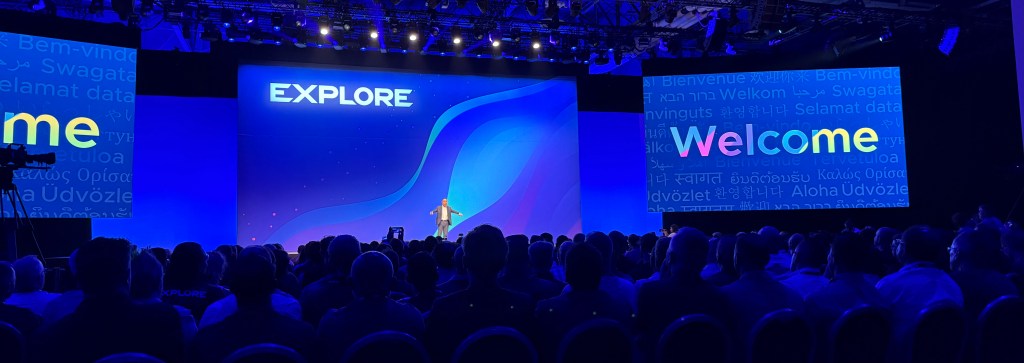
I’m writing this live from VMware Explore in Las Vegas, where this morning’s keynote was led by Hock Tan alongside Paul Turner, Sabina Anja, Chris Wolf, and several VMware customers. Hock outlined his vision for VMware Cloud Foundation 9 (VCF 9): taking the core building blocks—vSphere, NSX, vSAN, and Aria—and…
-
 Continue reading →: How to Disable Physical Display Ports on NVIDIA GPUs Using the Display Mode Selector Tool
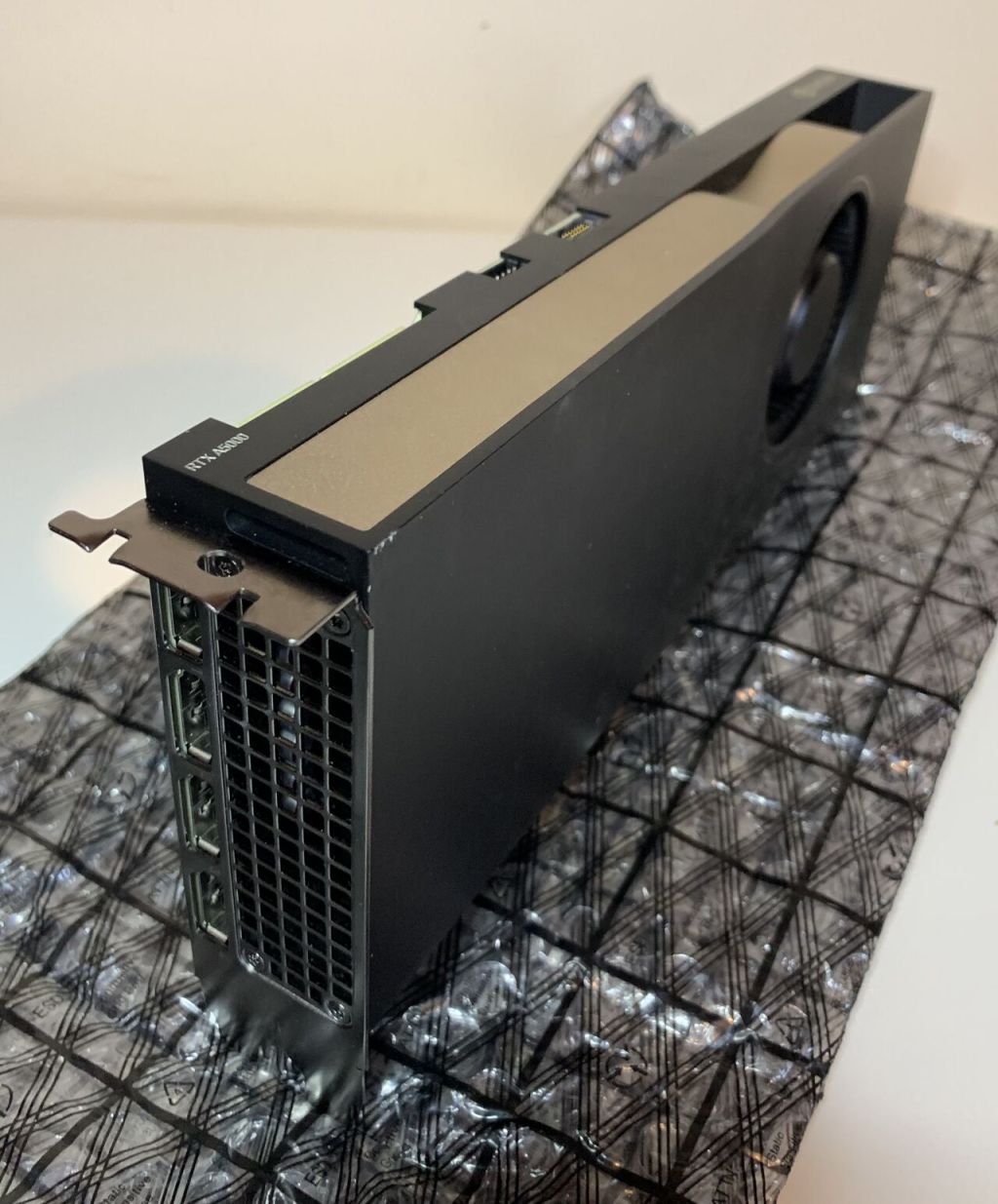
In this post, I’ll walk you through how to use the NVIDIA Display Mode Selector Tool to disable the physical display ports on NVIDIA GPUs. I’ll be demonstrating this on a VMware ESXi host, passing the GPU through to a virtual machine (VM) and using that VM to change the…
-
 Continue reading →: Why I’m Attending VMware Explore 2025: My Top Sessions, AI Focus, and How to Make the Most of It
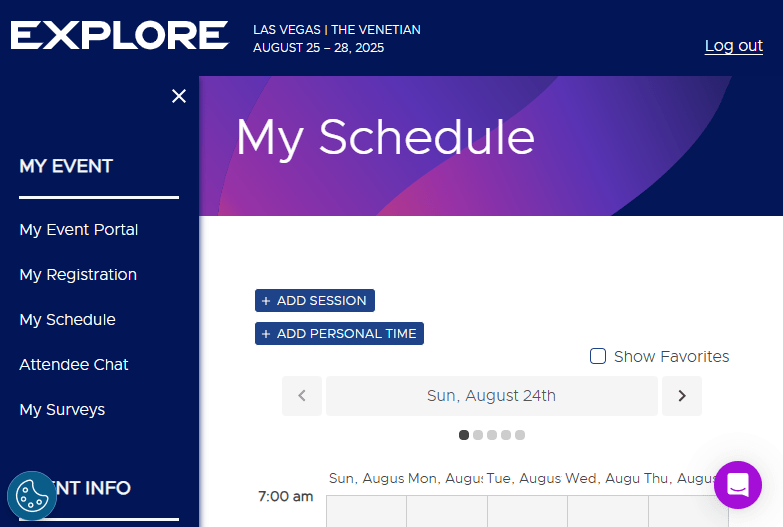
The VMware Explore Session Scheduler is now live, giving you the chance to plan your breakout sessions, hands-on labs, tutorials, and other must-attend experiences. If you’ve not started building your schedule yet – now is the time! Why I’m Attending I’m attending VMware Explore to rapidly upskill on VMware Cloud…
-
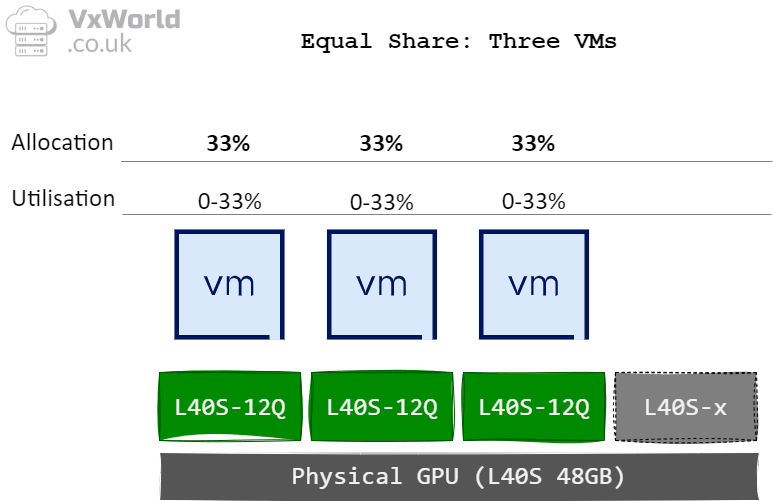 Continue reading →: Understanding NVIDIA vGPU Time-Slicing Policies: Best Effort vs Equal Share vs Fixed Share
Lets face it! GPUs are often the most expensive components in modern server infrastructure—especially in environments running AI, machine learning, or high-performance graphics workloads. As such, it’s critical to ensure these resources are fully utilised to maximise your return on investment. In many cases, a single workload doesn’t consume the…
-
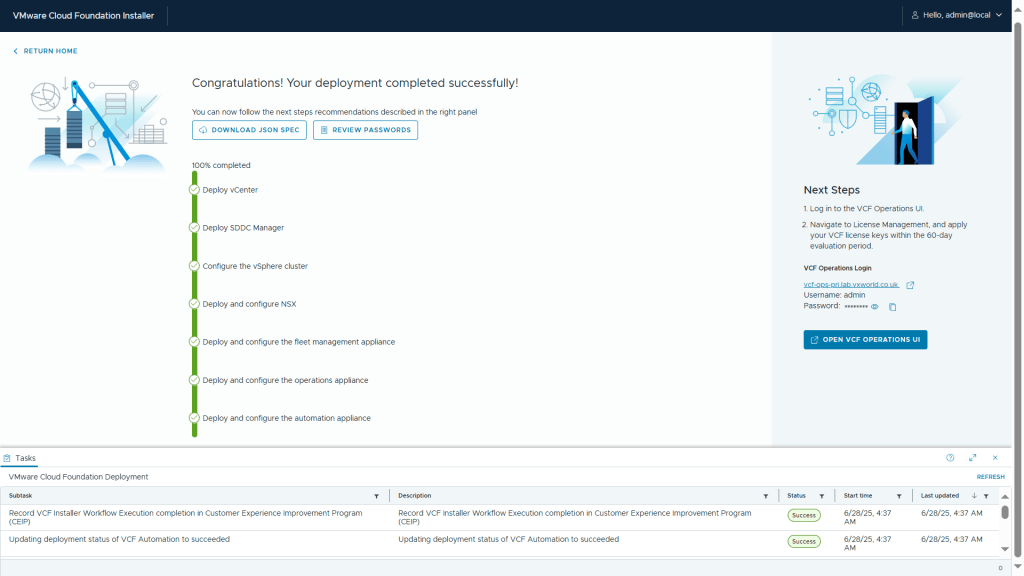 Continue reading →: VMware Cloud Foundation 9: VCF Installer Walkthrough
VMware Cloud Foundation (VCF) 9 is the first major release since Broadcom’s acquisition of VMware, and it represents a significant leap forward. Designed to bring public cloud-like capabilities to the on-premises private cloud, VCF 9 promises a more integrated and automated experience than ever before. This post kicks off a…

Subscribe
Stay updated with our latest posts.










 VxWorld