
When attempting to log into VMware Cloud Foundation (VCF) Operations via the VCF Identity Broker, you may encounter an “Invalid redirect URL” error that prevents successful SSO authentication. This post outlines the root cause and the configuration change that resolved the issue in my environment, focusing on the System Access URL setting within VCF Operations.
Symptoms
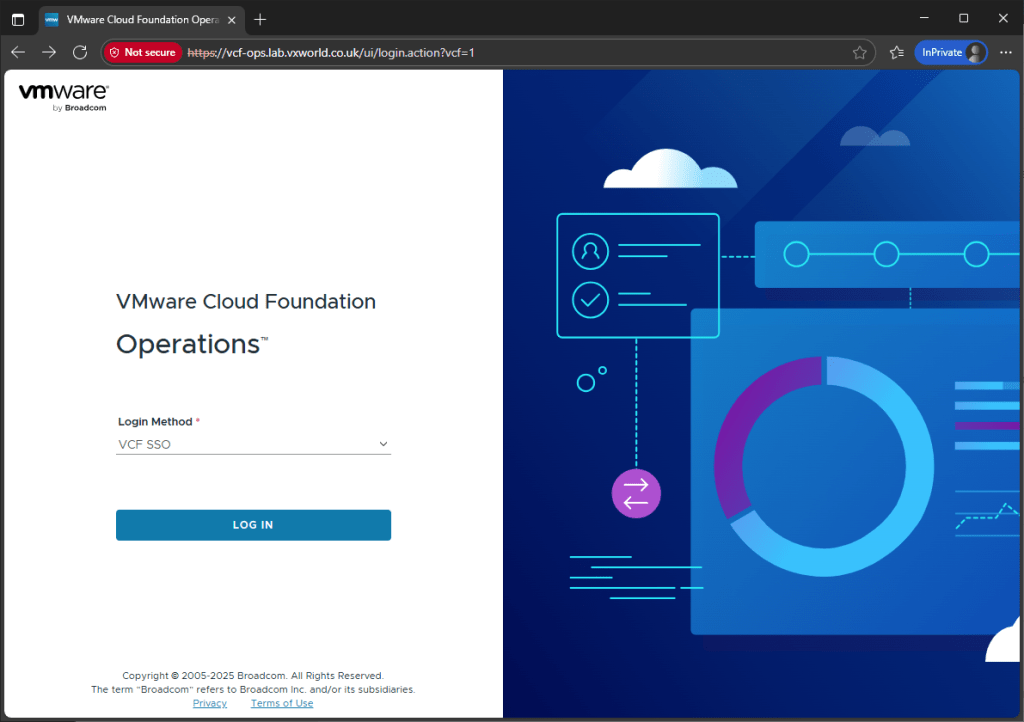
- Browse to VCF Operations.
- Select VCF SSO and click Log In.
You encounter the following error message:
Error
VCF Identity Broker encountered an issue during authentication.

Please contact your VCF Admin with the below details for resolution.

Message
Invalid redirect URL https://[VCF Ops URL]/ui/vidbClient/vidb/ specified in authorize request

Error Code
oauth2.request.invalid.redirecturl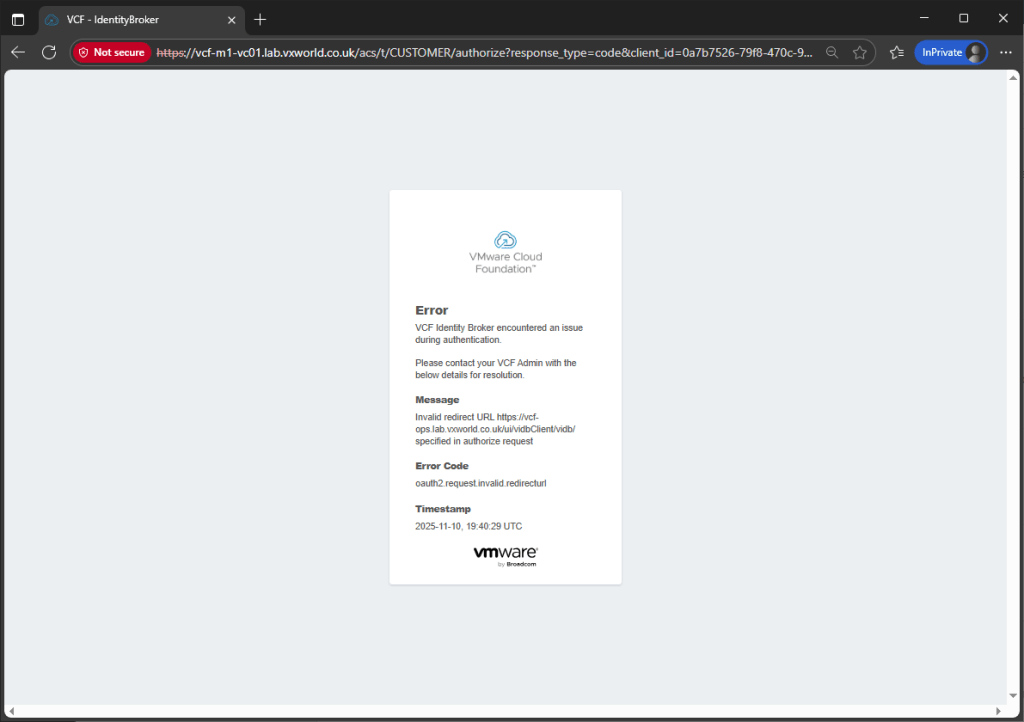
Background
While troubleshooting, I came across the articleAuthentication through VCF Identity broker is looping back to login with invalid redirect, but it didn’t make much sense in my case — I couldn’t locate ‘Select VIDB interface’ in step 3.
However, another article, Attempts to login to VCF Operations fail when using VMware Identity Broker SSO if using an alias for the VCF Operations url – pointed me in the right direction, even though I wasn’t actually using an alias.
Solution
- Log into VCF Operations as a local administrator.
- Navigate to Administration (1) → Global Settings (2) → System Settings (3).
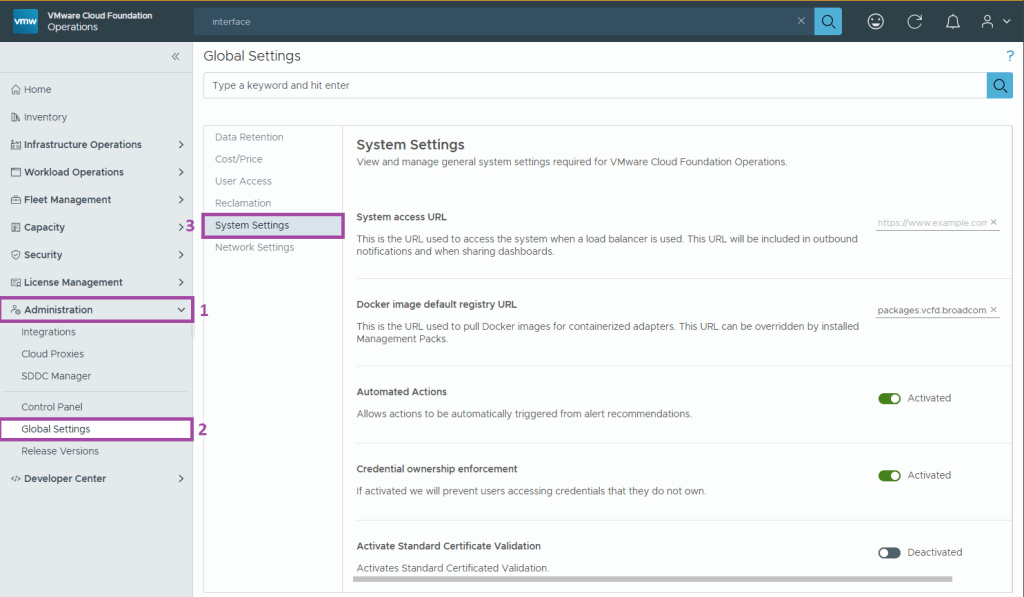
3. Under System Access URL, add your VCF Operations FQDN in the format:
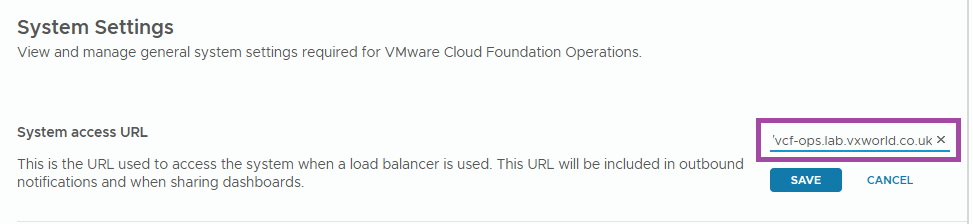
Note:
Make sure there’s no trailing slash at the end.
After saving your changes, you should now be able to log into VCF Operations successfully using SSO and the VCF Identity Broker.






















 VxWorld
Leave a comment