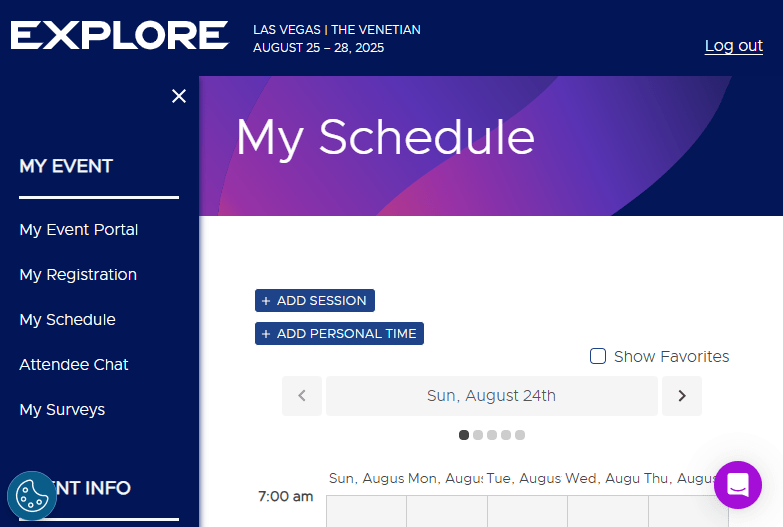
The VMware Explore Session Scheduler is now live, giving you the chance to plan your breakout sessions, hands-on labs, tutorials, and other must-attend experiences. If you’ve not started building your schedule yet – now is the time!
Why I’m Attending
I’m attending VMware Explore to rapidly upskill on VMware Cloud Foundation (VCF) 9, connect with the wider vCommunity, and get hands-on with the latest technical tutorials. I’m especially looking forward to soaking up as much knowledge as I can and bringing it back to share with my colleagues and wider team.
When building out my schedule, I always start by focusing on themes most relevant to my customers current needs and what I expect to work on over the next 12 months. This year, that includes AI, VMware Kubernetes Services (VKS), VCF automation, and VCF operations.
In the past, I’ve mainly filled my calendar with Breakout Sessions, but with the launch of VCF 9, I’m making room for more Tutorial Sessions to really dive deep into the technical aspects of Broadcom’s products. These 90-minute tutorials provide hands-on opportunities to build and refine practical skills – a great way to accelerate learning.
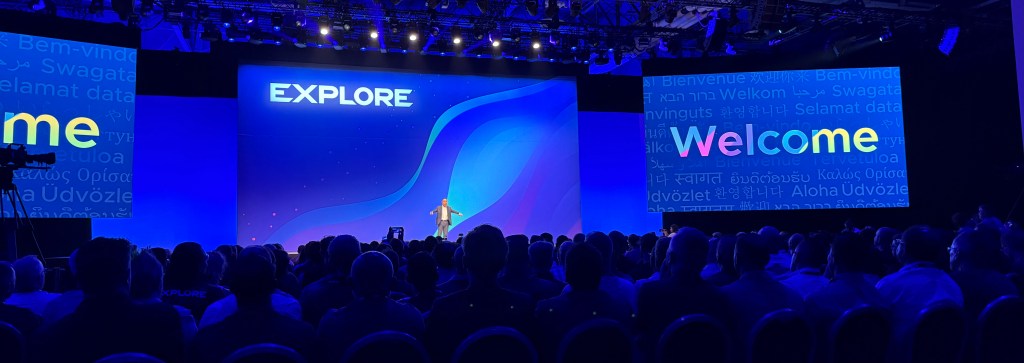
And of course, don’t miss the General Session – it’s usually packed with key announcements and sets the tone for the whole event. I have a strong feeling this year’s themes will revolve around VCF 9 and AI.
Other session types not to miss:
- Hands-on Labs (Self-paced & Expert-led) – Self-paced labs are 15 to 60-minute consumable modules that you can take incrementally throughout the event
- Meet the Expert Roundtables – Here’s your chance to grill the experts with your most hard-hitting questions.
- Booth Theatre Sessions – short, informative and interactive session on the Hub floor.
- Quick Talks – short 20-minute sessions packed with insights from your peers.
My Top VMware Explore Sessions
If you know me, you’ll know I’m passionate about AI infrastructure – so it’s no surprise that many of my top picks focus on AI and VCF.
Before jumping into the session list, I want to give a special mention to a few standout presenters. If you see their names attached to a session, you can be confident it will be top-notch:
- Frank Denneman – Chief Technologist AI, Broadcom
- Shawn Kelly – Principal Architect, AI, Broadcom
- Justin Murray – Product Marketing Engineer, Broadcom
- Johan van Amersfoort – Chief Evangelist & AI Lead, ITQ
Breakout Sessions (AI-Focused)
If you’re exploring VMware Private AI Foundation with NVIDIA, these are absolute must-attends:
- Accelerating AI Workloads: Mastering vGPU Management in VMware Environments [INVB1158LV]
- Powering Private AI with a Secure and Scalable Data Platform [MODB1045LV]
- Unleashing AI Inference at Scale: NVIDIA Dynamo on VMware Private AI Foundation with NVIDIA [INVB1070LV]
- Real-World Lessons in Rightsizing VMware Cloud Foundation for On-Premises AI Workloads [INVB1300LV]
Tutorial Sessions
These 90-minute T300-level sessions go deep – perfect if you’re looking to build hands-on mastery with VCF:
- VMware Cloud Foundation Automation: An End-to-End Hands-On Guide [CLOT1759LV]
- VMware Cloud Foundation Network Design [CLOT1276LV]
- Zero to Hero: Deploy Enterprise-Grade GenAI Applications on VMware Tanzu Platform [MODT1580LV]
Session Scheduling Made Easy
To schedule your sessions, visit the My Event | Explore Las Vegas page and head to the My Schedule section. Personally, I find this view more user-friendly than the full content catalogue.
Not Registered Yet?
If you haven’t secured your place at VMware Explore yet, don’t wait! Head over to the official VMware Explore website to register. Join us for a week of learning, networking, and innovation – it’s an unmissable opportunity to level up your VMware knowledge and meet the experts driving the future of cloud and AI infrastructure.
If you want more information, be sure to check out my posts:






 VxWorld
Leave a comment